Product brief description
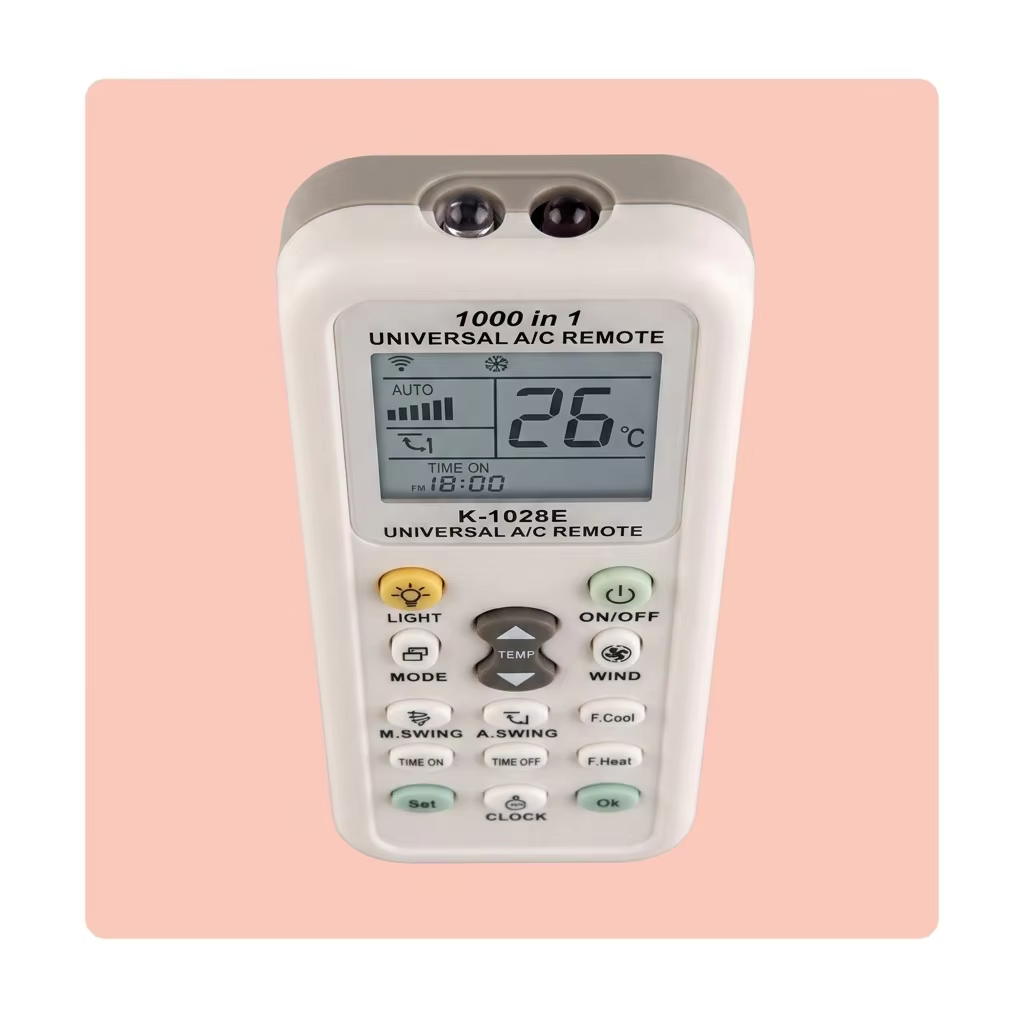
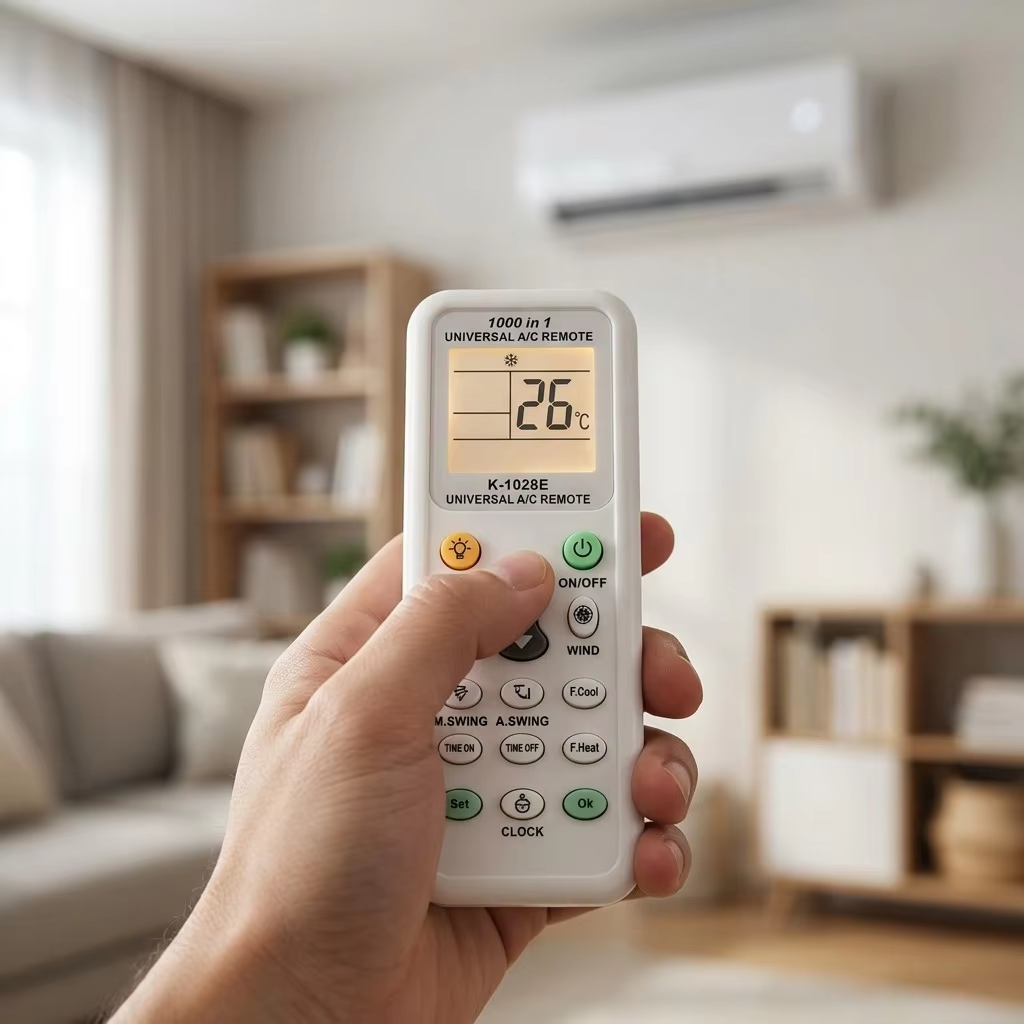
Lost your AC remote? Don't pay a premium for an OEM replacement that takes weeks to arrive. This 1000-in-1 universal remote works with virtually every split, window, portable, and cassette air conditioner on the market — over 1,000 brands and models pre-programmed with auto-search code detection. Simply point at the unit, press the auto-search button, and the remote cycles through codes until it finds the right one. The large backlit LCD screen displays temperature, mode, fan speed, timer settings, and signal status clearly. Dedicated buttons for fast cooling, fast heating, swing control, timer on/off, and LED light make daily operation intuitive. A durable ABS body, dual infrared emitters for wide-angle signal transmission, and a retail-ready blister pack make this the best-selling universal AC remote worldwide.
Product detailed description
One Remote, Every Air Conditioner
Hotel maintenance teams, property managers, and households with multiple AC brands know the frustration: every unit needs a different remote, and at least one is always missing. This universal remote solves that permanently. With over 1,000 brand codes pre-loaded — covering Daikin, Mitsubishi Electric, Mitsubishi Heavy, Panasonic, LG, Samsung, Gree, Midea, Haier, Carrier, Toshiba, Fujitsu, Hitachi, Sharp, Sanyo, York, Trane, Chigo, Aux, Hisense, Kelvinator, Electrolux, and hundreds of regional and OEM brands — it replaces any standard infrared AC remote in existence. The auto-search function makes pairing effortless: point, press, and wait. The remote cycles through codes until the AC beeps or the fan starts — then lock the code and it's paired for good.
Auto-Search — No Manual, No Code List, No Problem
Most universal remotes come with a printed code booklet the size of a phone book. You flip through pages, try 20 codes, hope one works, and usually give up. Our auto-search eliminates all of that. Press and hold the SET button for 3 seconds, the remote enters search mode, and it starts transmitting every manufacturer code in its database — one per second — until the air conditioner responds. When the unit beeps or powers on, press OK to lock the code. The entire process takes under two minutes on average. If you ever need to re-pair after changing batteries, the remote stores the last-used code in non-volatile memory — it powers back on ready to use.
A Screen That Actually Tells You What's Happening
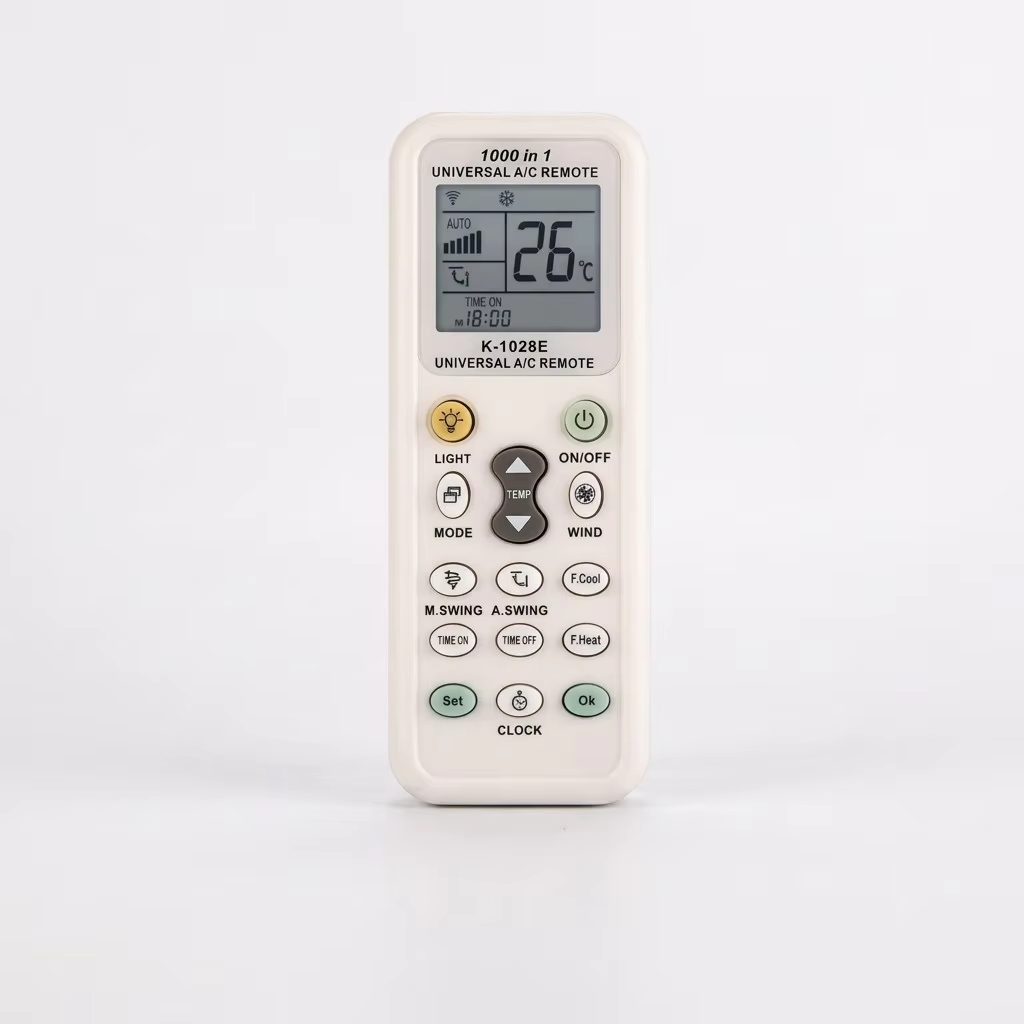
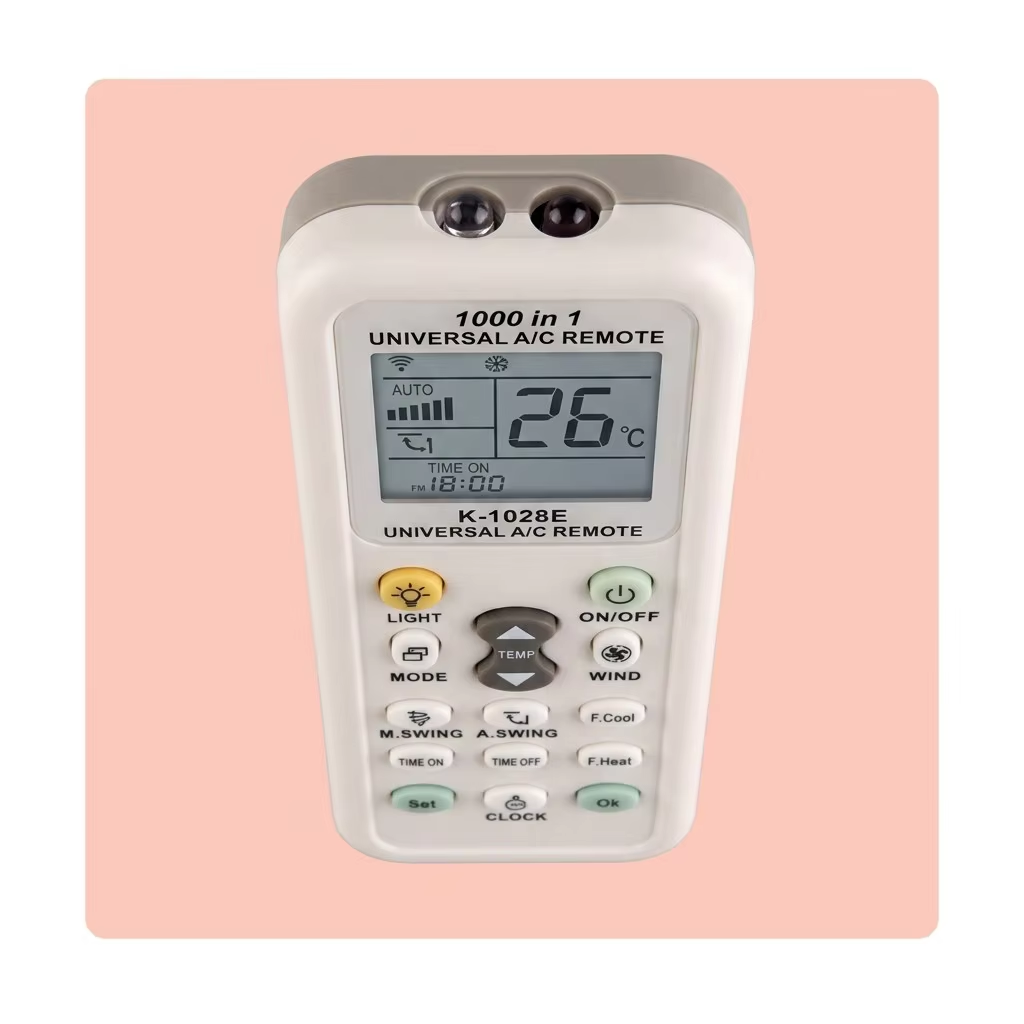
Budget universal remotes skip the LCD screen to save cost, leaving you guessing which mode is active. Our large, icon-rich LCD display shows: current set temperature in large digits, operating mode (cool/snowflake, heat/sun, fan, auto, dehumidify), fan speed level, swing status, timer ON/OFF with set times, signal transmission indicator, and battery status. Every button press gets an immediate visual confirmation. The screen is clear enough to read from across the room without glasses — and the icons are universally understood, no language barrier.
Fast Cool. Fast Heat. One Press.
Standard AC remotes require multiple button presses to go from "just powered on" to "maximum cooling." You press power, wait, press mode to switch to cool, press temp down repeatedly to reach the lowest setting, press fan speed to max. That's six to eight presses. Our Fast Cool button does it in one. The same for Fast Heat — one press sends the AC into maximum heating mode. For hotels and rental properties where guests want instant comfort without learning a remote, this single feature eliminates front-desk calls.
The LED Light — Find It in the Dark
A small yellow LIGHT button on the top row activates a built-in LED on the remote body — useful for finding the remote on a nightstand in a dark hotel room or adjusting settings without turning on the bedside lamp. It's a detail that guests notice and appreciate, and it costs almost nothing to include.
Retail-Ready Packaging
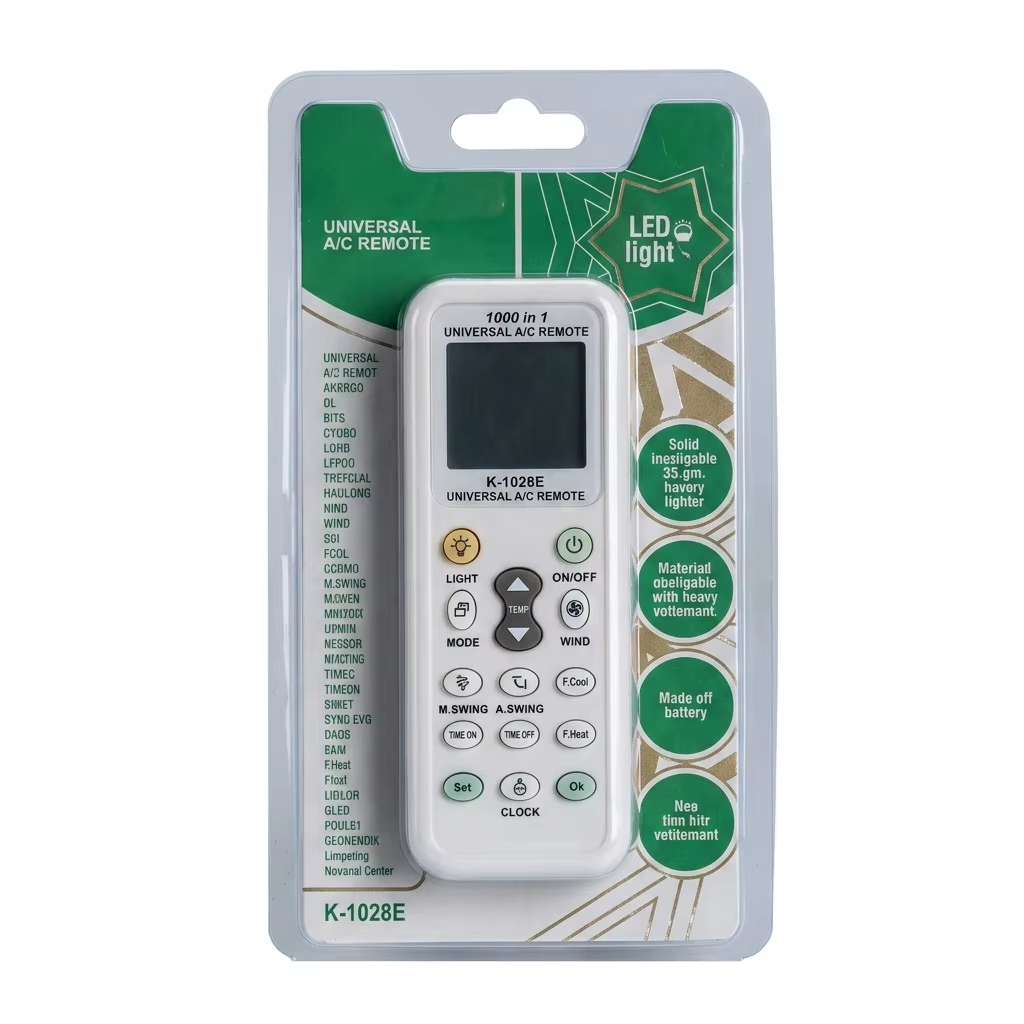
Every remote ships in a full-color blister pack with the features, compatibility list, and setup instructions printed directly on the card — no separate manual required. The packaging is designed for pegboard hanging in electronics stores, supermarket home sections, hotel supply distributors, and HVAC parts counters. For bulk orders, we offer plain polybag packaging or custom-branded blister cards with your company logo and contact information.
Product Specifications
RAMETER |
SPECIFICATION |
Model |
K-1028E |
Compatibility |
1000+ brands, all IR-controlled split/window/portable/cassette AC |
Code Search |
Auto-search (automatic) + manual code entry (optional) |
Display |
Large LCD with mode icons, temperature, timer, and signal indicator |
Buttons |
16-button layout: ON/OFF, TEMP ±, MODE, FAN, M.SWING, A.SWING, F.Cool, F.Heat, TIME ON, TIME OFF, SET, CLOCK, OK, LIGHT |
Timer |
24-hour ON timer + 24-hour OFF timer |
Temperature Range |
16°C – 30°C (60°F – 86°F) |
IR Emitters |
Dual infrared LEDs, wide-angle transmission |
IR Range |
Up to 8 meters (line of sight) |
IR Frequency |
38 kHz (standard AC carrier frequency) |
Body Material |
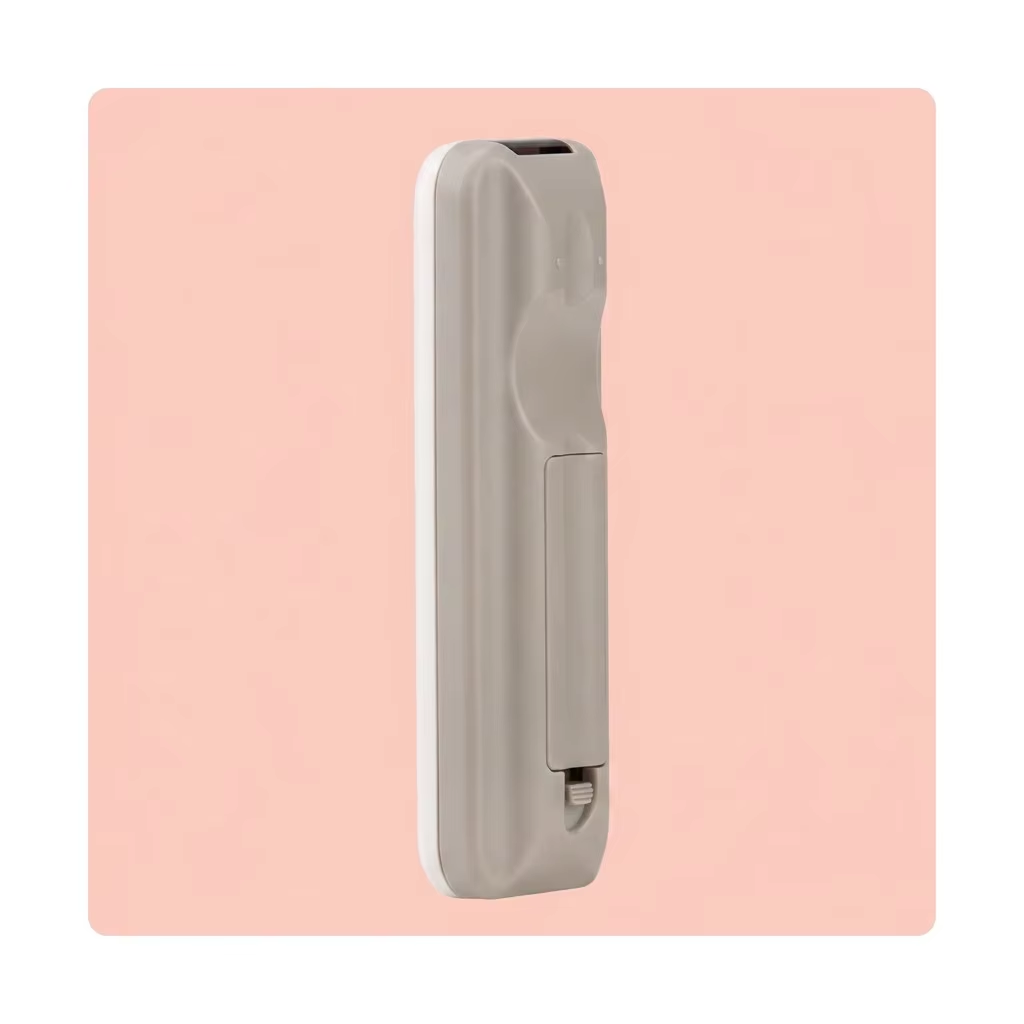
High-impact ABS plastic, matte off-white + light gray two-tone |
Power Supply |
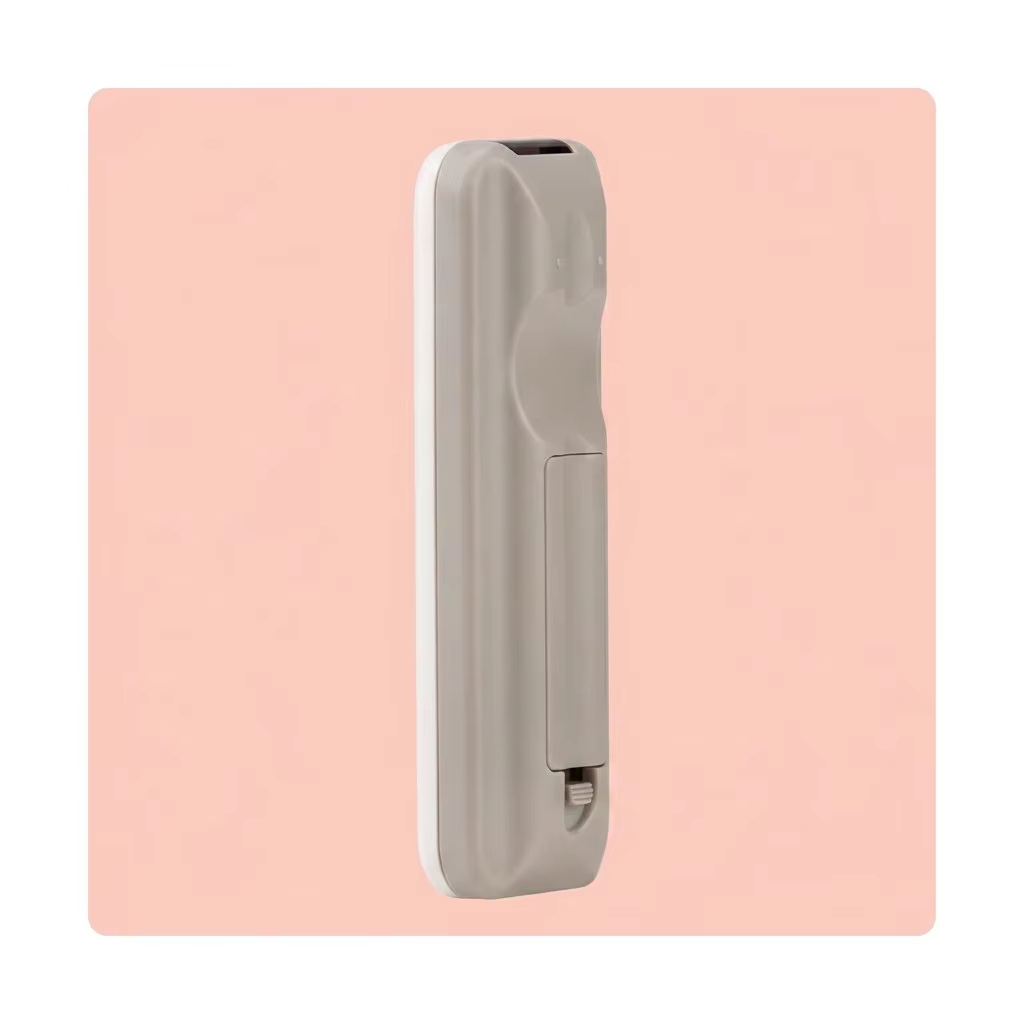
2 × AAA batteries (not included) |
Battery Life |
Approximately 12 months (normal use) |
Code Memory |
Non-volatile — retains last code after battery removal |
Dimensions |
160 × 48 × 20 mm |
Net Weight |
75 g (without batteries) |
Packaging |
Full-color blister card (retail-ready) with setup guide printed on-card |
Certifications |
CE, RoHS, FCC |
Operating Temperature |
-10°C to +50°C |
Storage Temperature |
-20°C to +60°C |
MOQ |
500 units (sample orders accepted) |
OEM/ODM |
Custom button layout, logo printing on body, custom blister card design (MOQ 3,000 units) |
Lead Time |
7–15 days (sample), 20–30 days (bulk order) |
Warranty |
1 year |
Payment Terms |
T/T, L/C at sight, Western Union |
FAQ
Q1: How do I set up the remote for my specific AC brand?
A: Three methods: (1) AUTO-SEARCH (recommended) — point the remote at the AC unit, press and hold the SET button for 3 seconds until the screen flashes. The remote automatically transmits every code in its database until the AC responds (beeps or turns on). Press OK to lock the code.
(2) BRAND CODE — if you know your brand's code number, press SET, enter the 3-digit code, and press OK.
(3) MANUAL SEARCH — press TEMP+ repeatedly to step through codes one at a time. Full setup instructions are printed on the blister card.
Q2: Will this remote work with my specific AC model?
A: If your air conditioner uses an infrared (IR) remote control — which covers 99% of residential and light commercial split, window, portable, and cassette units — this remote is compatible. It works with over 1,000 brands including: Daikin, Mitsubishi Electric, Mitsubishi Heavy, Panasonic, LG, Samsung, Gree, Midea, Haier, Carrier, Toshiba, Fujitsu, Hitachi, Sharp, Sanyo, York, Trane, Chigo, Aux, Hisense, Electrolux, Kelvinator, O General, Blue Star, Voltas, Godrej, and hundreds more. The remote does NOT work with: Bluetooth/WiFi-only AC controllers (rare), central ducted systems with proprietary wall thermostats, or commercial VRF systems with wired controllers. If your original remote had an LCD screen, this remote replaces it.
Q3: Do I lose all settings when I change the batteries?
A: No. The remote stores the last-used manufacturer code in non-volatile memory. Remove the old batteries, insert new ones, and the remote powers back on paired to the same AC unit — no re-programming required. The clock setting may need to be re-entered after a battery change (this is normal behavior for battery-powered remotes), but the AC pairing code is retained.
Q4: What is the difference between M.SWING and A.SWING?
A: M.SWING (Manual Swing) moves the vertical air deflector/louver in fixed steps — each press moves the louver to the next position and holds it there. A.SWING (Auto Swing) starts continuous automatic oscillation of the louver up and down for even air distribution. Availability of these functions depends on your specific AC unit's capabilities — if your original remote didn't have swing control, these buttons will not activate it on the unit.
Q5: What does the Fast Cool and Fast Heat function do?
A: Fast Cool immediately sets the AC to the lowest temperature (16°C), maximum fan speed, and cooling mode in a single press — bypassing the usual six to eight button presses to get from "off" to "maximum cooling." Fast Heat does the same for heating mode, setting the highest temperature (30°C) with maximum fan speed. This is especially useful in hotels and rental units where guests want immediate comfort without learning the remote.
Q6: How far away does the remote work?
A: The dual infrared emitters transmit up to 8 meters (26 feet) in a direct line of sight to the AC unit's IR receiver window. In practice, the wide-angle dual-emitter design means it works from most positions within a standard-sized room — you don't need to point it precisely at the unit. For best results, ensure there are no obstacles (furniture, curtains, plants) blocking the path between the remote and the AC unit.


 ONLINE

 EN
EN